
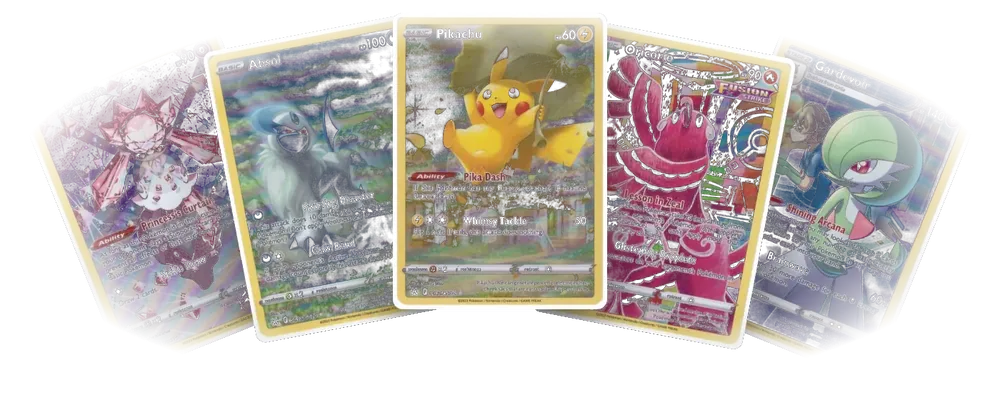
Where it all started
TCG Vault began as two Python scripts, one to crop my scanned Pokémon cards and one to straighten them. Those scripts are still at the heart of the app, but they've grown into a complete desktop application that anyone can install and use. It comes with its own copy of Python built in, so nothing extra needs to be set up or installed.
You drop in your front and back scans, and the app pairs them, crops and straightens each card, and uses a built-in card reader that works offline to read the card's name and number. Python then looks that card up in TCGdex. This is a free open-source Pokémon card database that covers English, Japanese and Chinese cards. It also pulls in details like the set, card number and rarity. From that information, the app drafts a title and description and gets the photos ready. The listing itself stays in your hands: TCG Vault does the gathering, you review, adjust and post it.
See it in action
From card scan to listing draft in a few clicks: straighten, crop, read and draft.
Version 2.12 walkthrough, no sound.
How it works
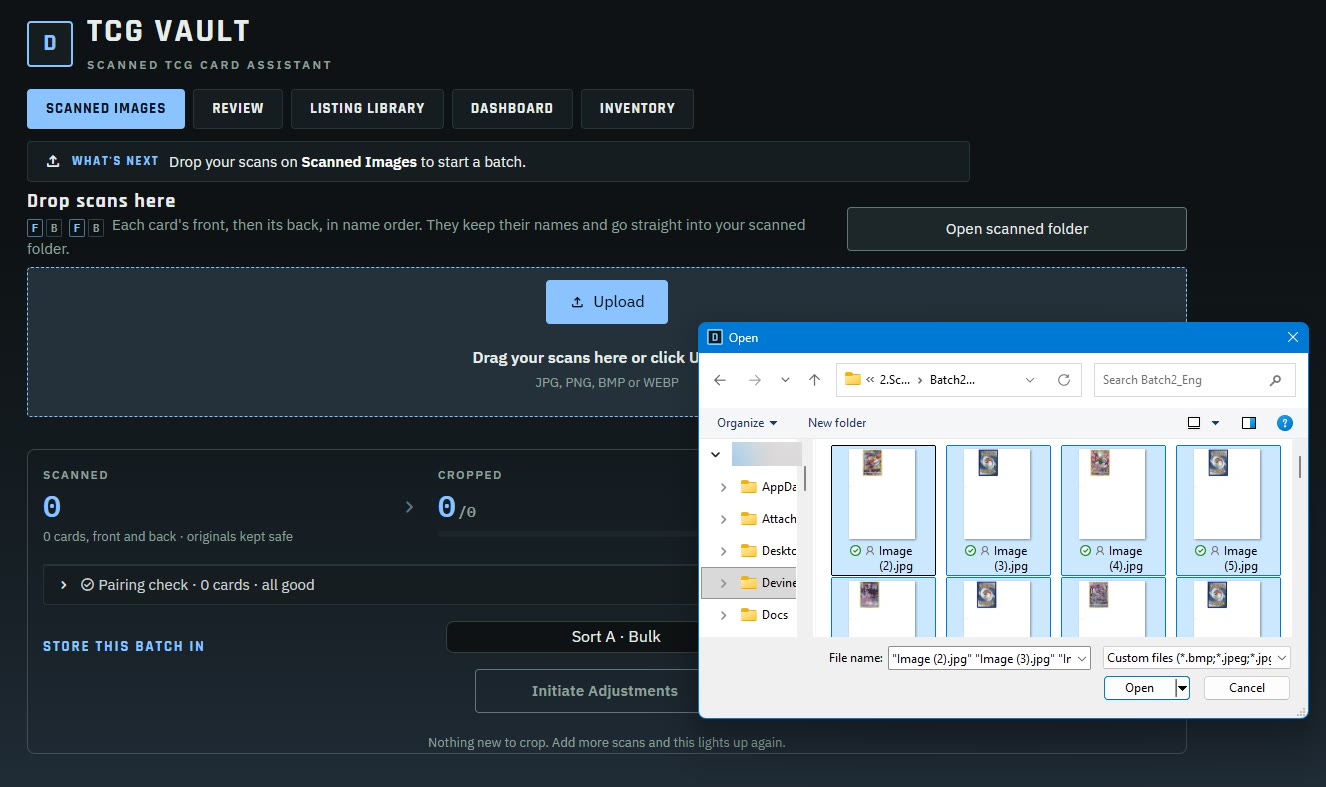
Scan
Scan each card, front then back. A top-down scanner works well.
Adjust
One click straightens, crops and pairs every scan.
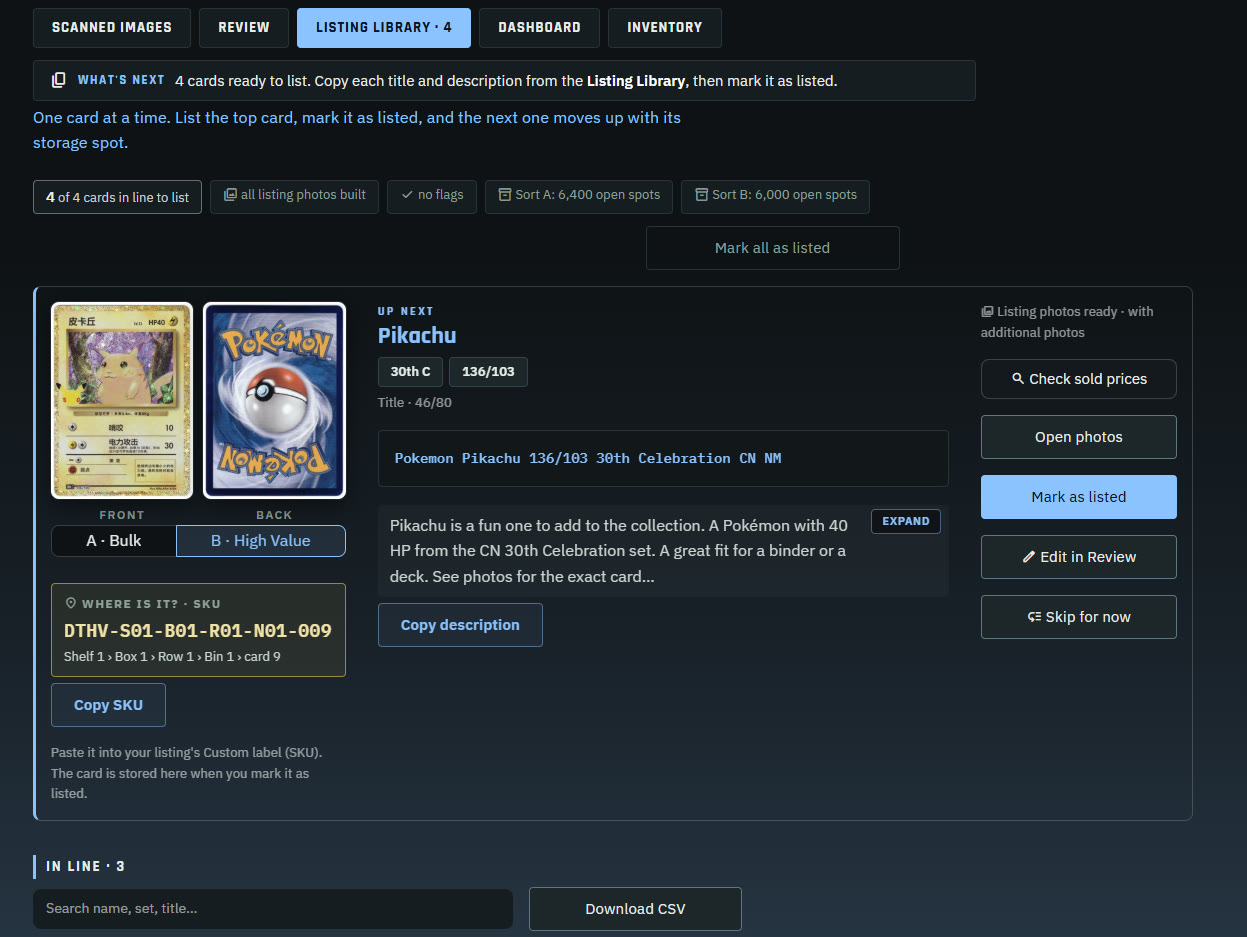
Draft
It reads each card, looks it up and writes the title and description.
List
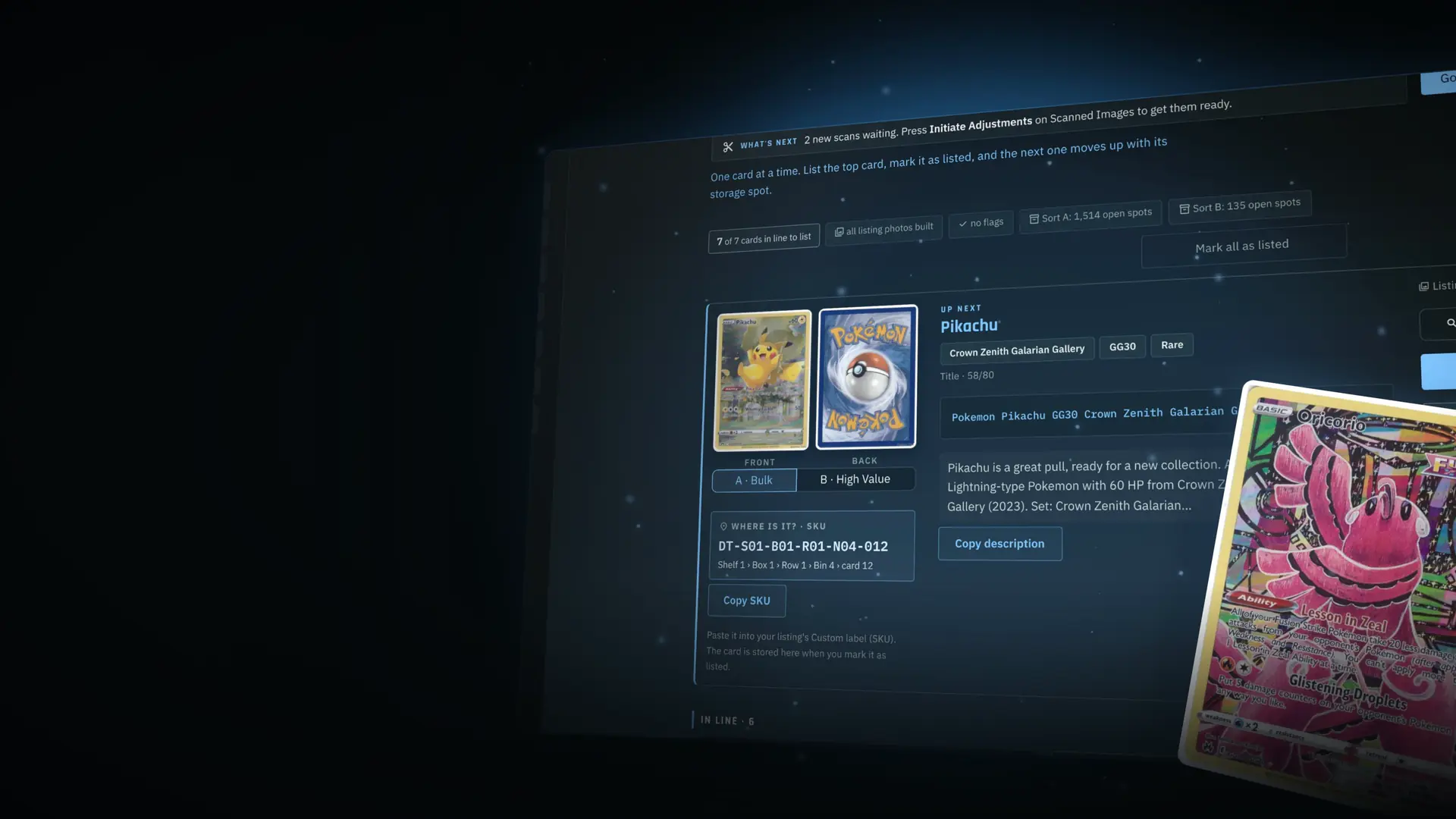
Copy the draft and photos into your listing and post it yourself.
Track
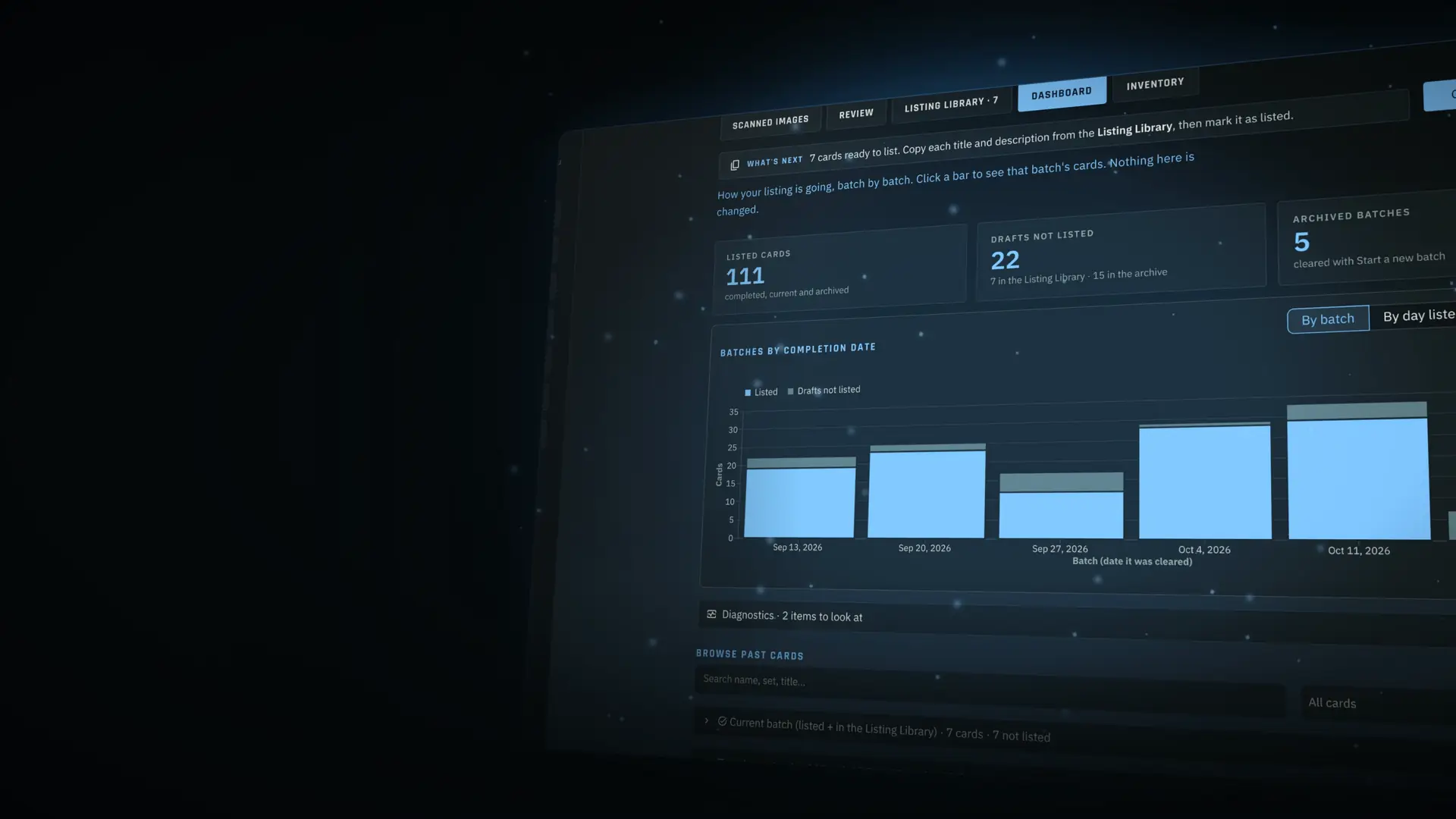
Track current and sold inventory with ease.
What it does
Scan, straighten and crop
Scan each card front then back. TCG Vault straightens and crops every scan and pairs fronts with backs, flagging anything it isn't sure about.
Reads the card for you
A built-in reader picks up the name and number, then looks the card up in the TCGdex database. English, Japanese and Chinese cards work, even in the same batch.
Writes the listing title and description
Ready to paste into your listing, in a warm or plain style. Anything it can't confirm is marked for you to check.
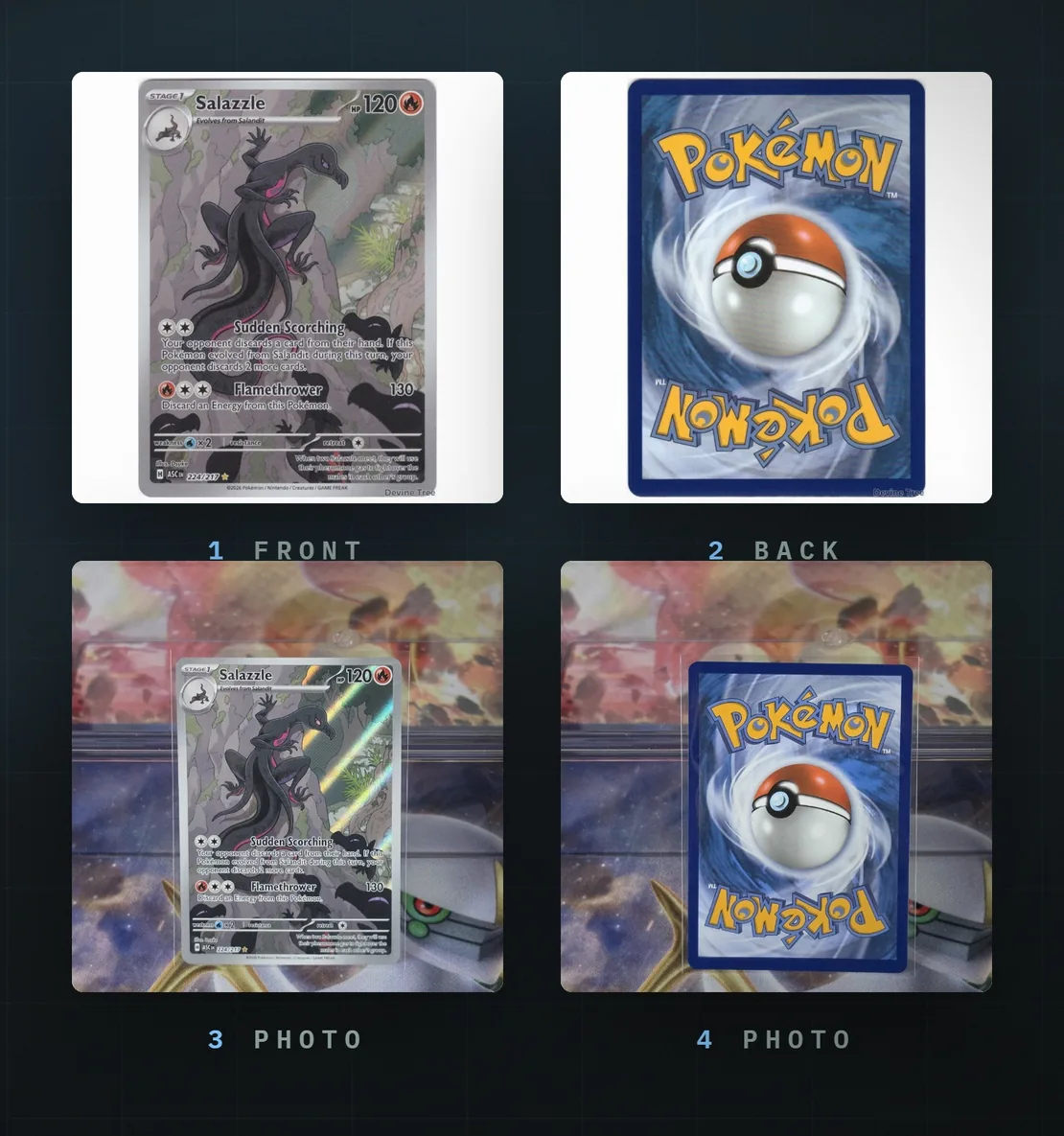
Builds listing photos
Front and back photos, centered with an even margin, with optional touch-up and your own watermark. Extra phone photos are matched to the right card.
Keeps your card library in order
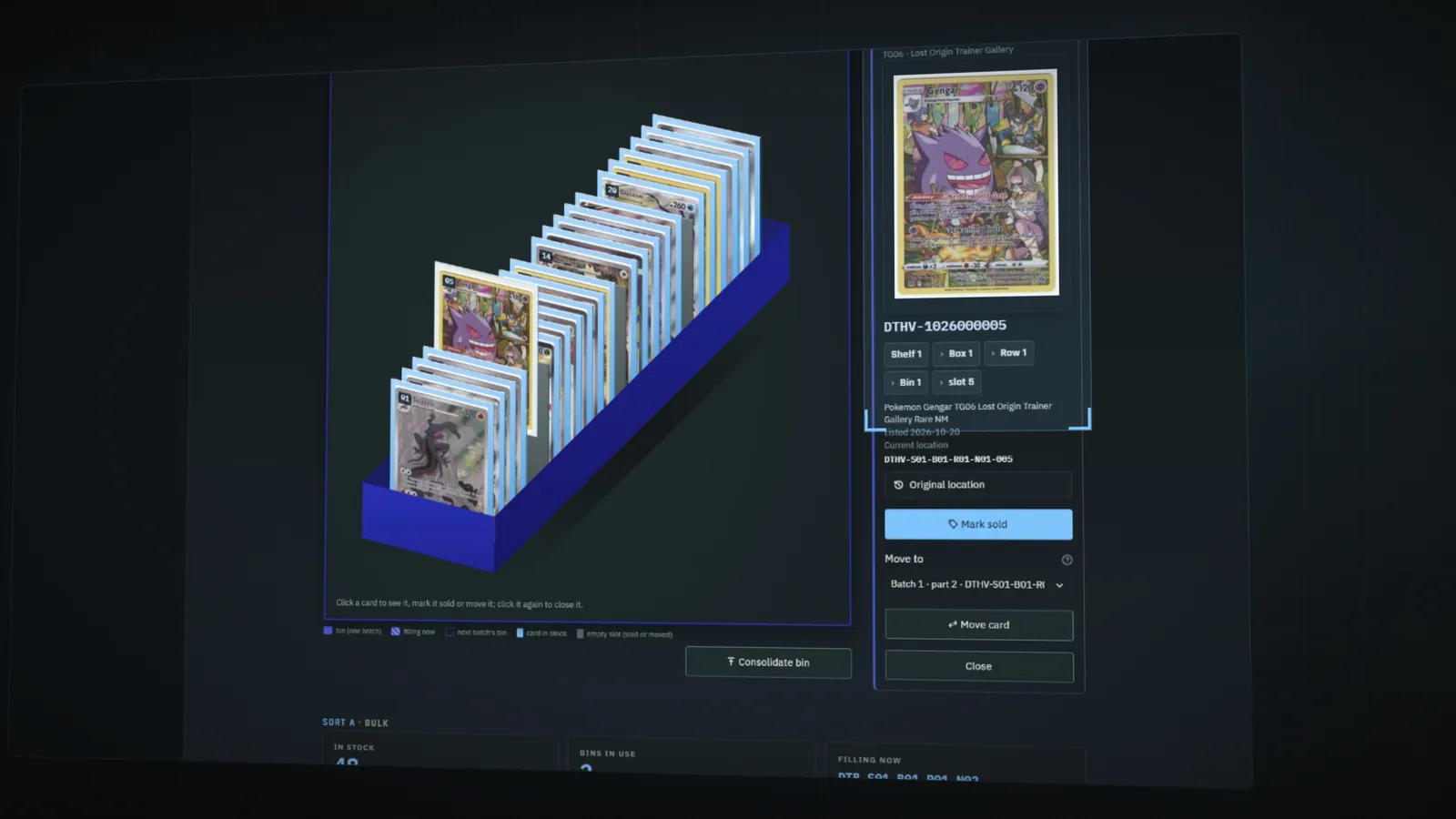
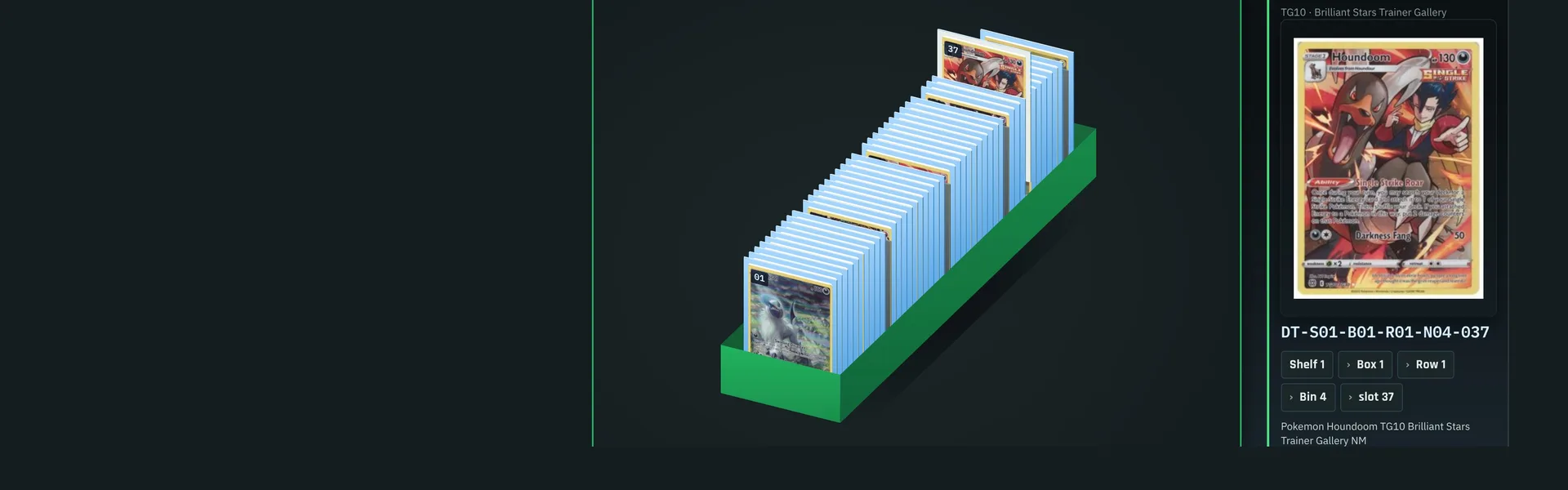
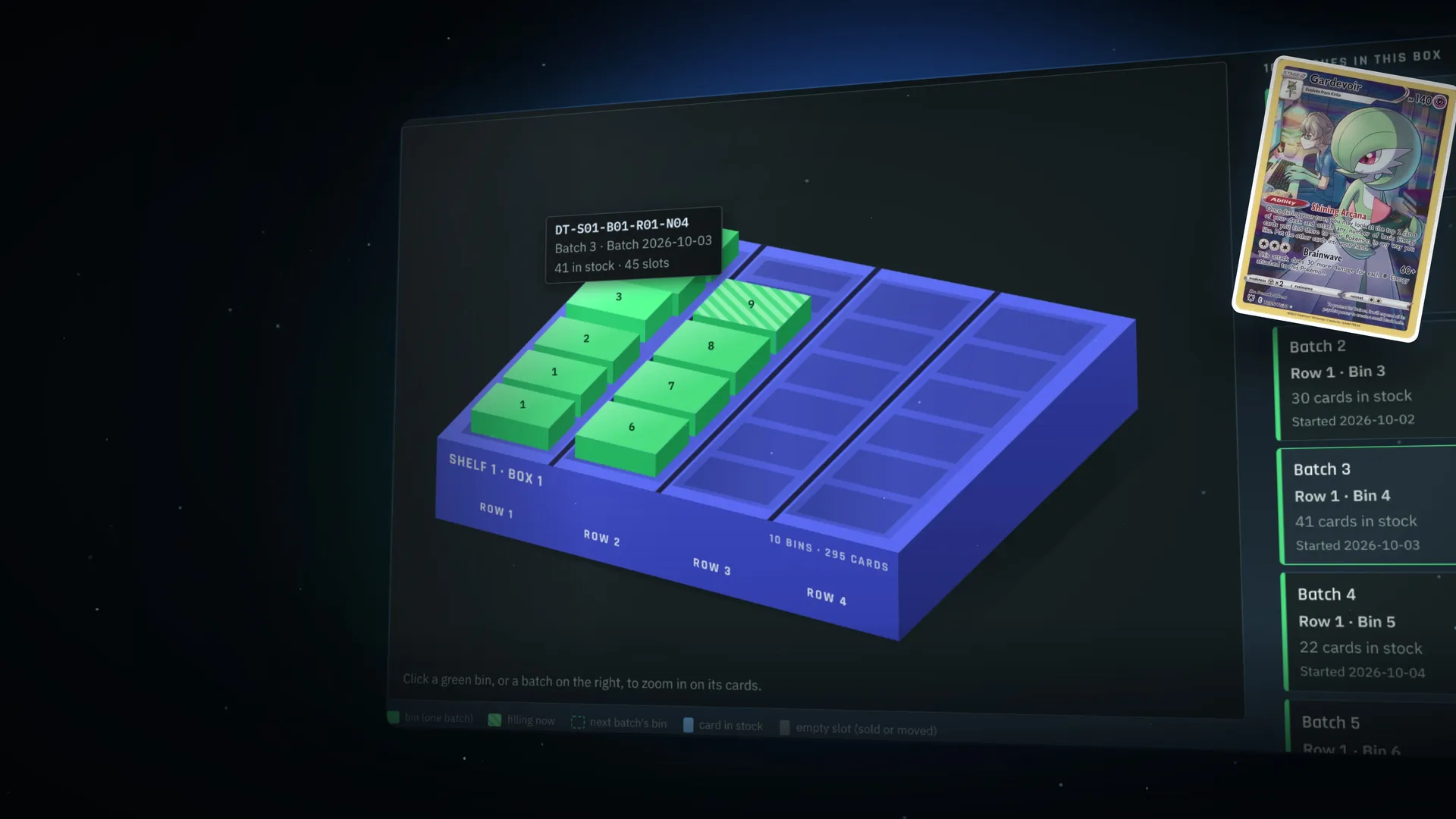
Copy buttons, a Where is it? box for storage spots (works as your listing SKU), duplicate notes, a centering estimate and one-click backup and restore.
You stay in control
TCG Vault only writes drafts. It never creates, publishes or submits a listing, and it never sets prices. You review everything and list it yourself.
User guide
A step-by-step guide to installing and using TCG Vault, from your first scan to a finished draft. Read it in your browser or save it for later.
For TCG Vault version 2.12, 24 pages.
Good to know
- Supports Pokémon cards today. We're looking at adding other TCGs in the future.
- Runs on Windows as a desktop app with its own installer.
- Card lookups need an internet connection. Your scans and drafts stay on your computer.
- A more affordable alternative to buying a $600+ card scanner.
- New to listing cards? TCG Vault eases the process and makes individual listings actually enjoyable and effortless.
- Not available to download yet. Once released, TCG Vault will be a small one-time payment, and the price will be announced here first.

Get notified
Leave your email and we'll let you know when TCG Vault is available to download, plus any big updates. Please no spam!